
This is the interface to edit the fields of a form.
On the left side is the form in its current state, on the right side different boxes with different types of fields.
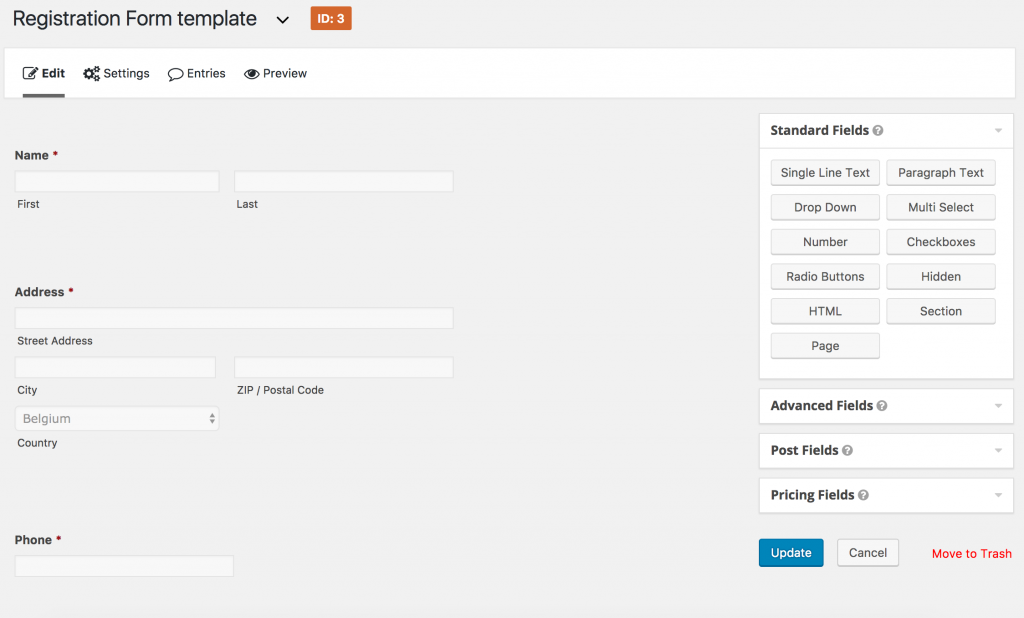
To add a field, click on the appropriate button on the right side, the field will be added to the form (at the bottom). Make sure to check the Advanced Fields section which contains some premade fields for name, email, …
To reorder the fields, simply move the mouse over the name of the field, then drag ‘n’ drop at the desired place.
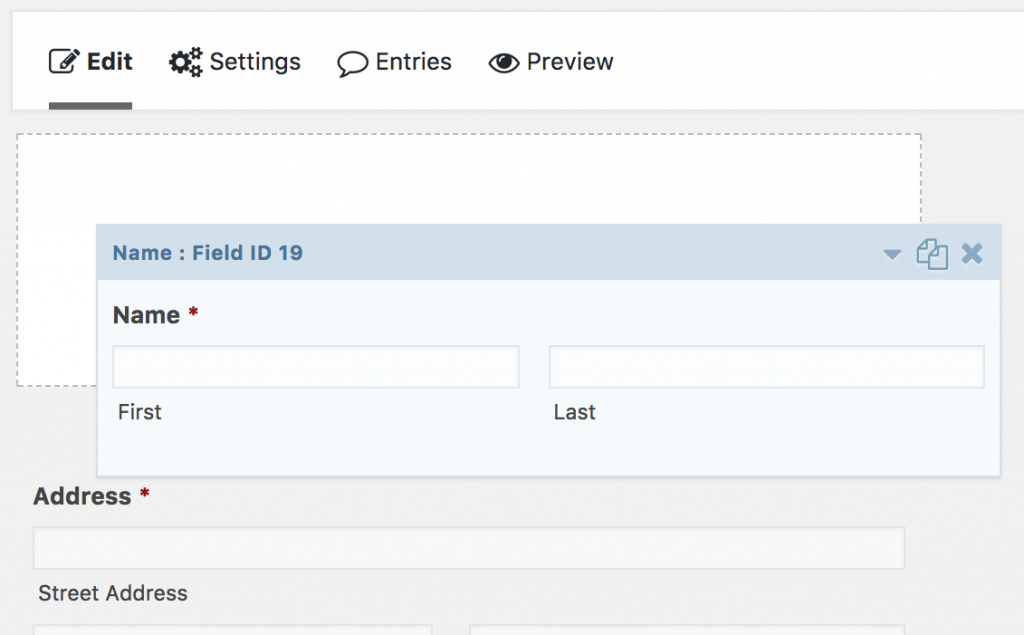
Simply clicking the name of the field will display additional options for the field.
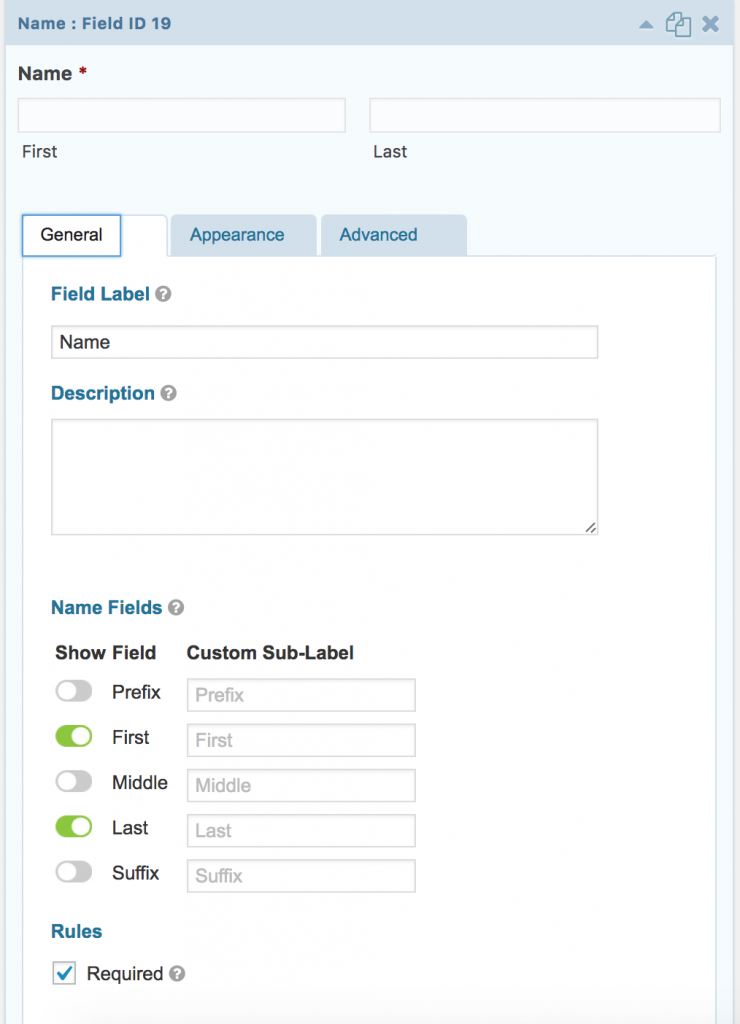
To have more information, please read Gravity Forms’ documentation.