By default, pages have a space between the title and the content.

It is possible to remove the space when needed by simply changing the Stick Template option in the Jupiter Page Options (bottom of the page).

By default, pages have a space between the title and the content.
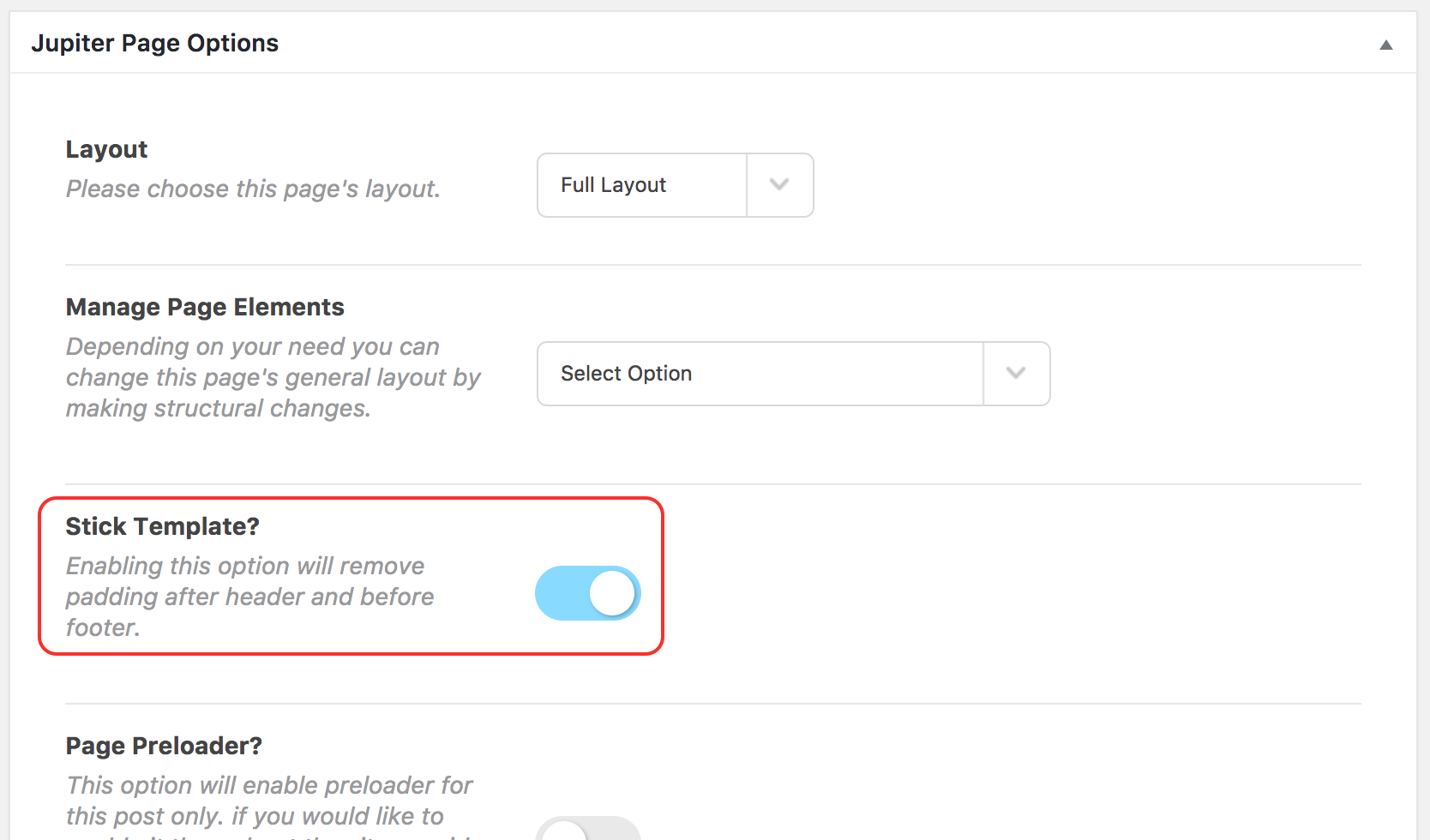
It is possible to remove the space when needed by simply changing the Stick Template option in the Jupiter Page Options (bottom of the page).