
Yes and no.
A form can be translated in its entirety, including the confirmation messages and emails, however the method is slightly different than for the Pages and Posts.
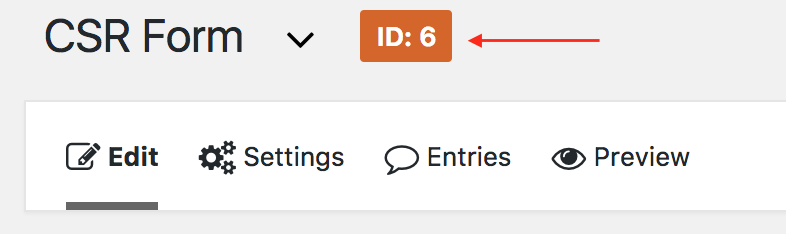
First, get the ID of the form you would like to translate (you can get it for example on the form editing page).
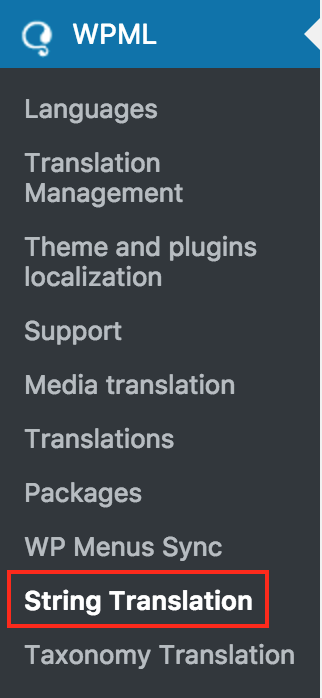
Now, head to WPML > String Translation (at the bottom of the left navigation).
Once there, at the top of the page, in the dropdown menu “Select string within domain”, select gravity_form-x where x is the ID of your form, in our example 6.

For each string that needs translation, click on translation, enter the translated text in the field, mark it as complete and save.
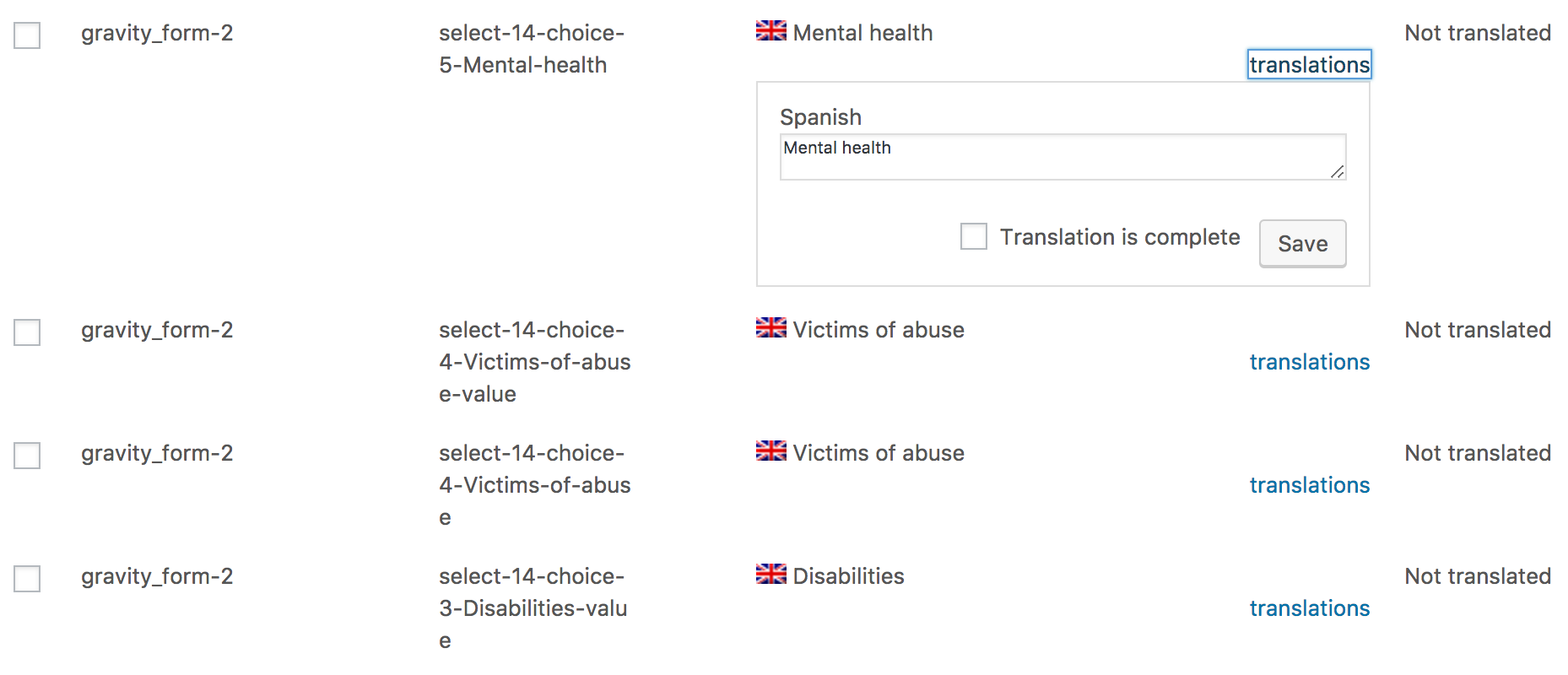
Note: Usually, you do not need to translate the fields xxxxx-value. These are in the case of a multiple choice / radio button field, and is the value sent to the admin, not the one displayed.