You have created a new page, but it is not appearing in your navigation menu. No need for panic, elements are not automatically added to it.
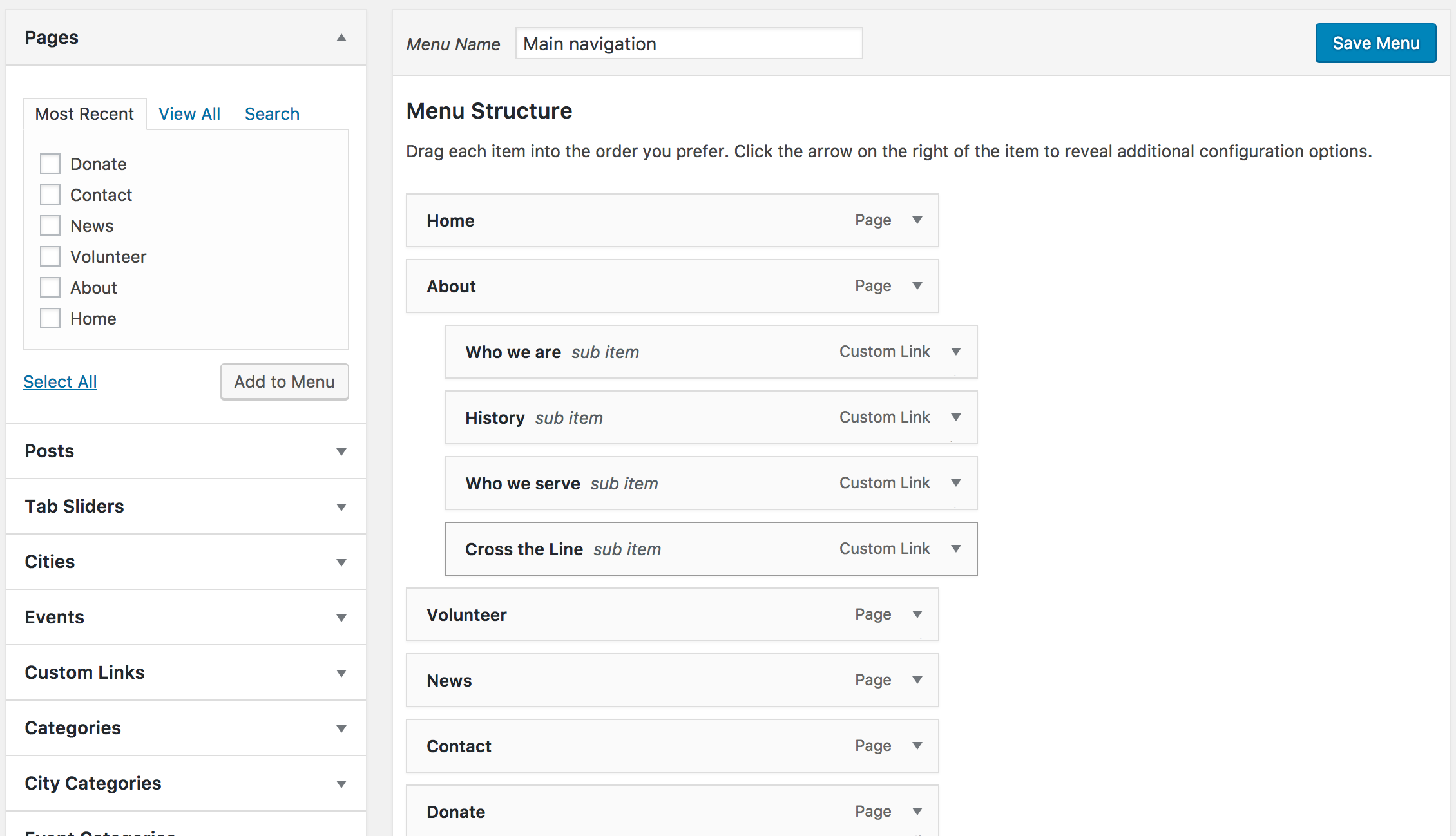
- Go to Appearance > Menus
- Select the element to add on the left
- Position the element where it should go by dragging it and dropping it in its place. You can position the element as a submenu option by moving it a bit on the right.