
To create a link that will open the page to a specific part of the content, the first step is to create what we call an anchor.
You can create an anchor by giving a unique ID name to the row or page section you would like to link to.
First open the options of the row or page section  .
.
Then fill the ID field with a unique name (without spaces or special characters).

ID Field for a row

ID Field for a Page Section
Once this is done, let’s go to Appearance > Menus.
On the left side, go to Custom Links, and fill the fields accordingly.
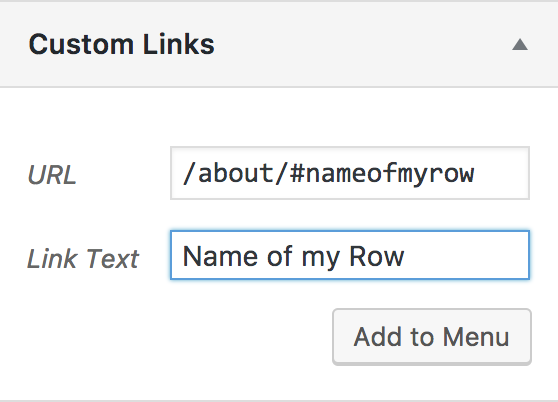
Make sure to copy the full link in the URL, either including the domain, or at least from the root. For example, if the final page is https://www.servethecity.city/volunteer/weekly/#register, you should either copy the full link like this, or /volunteer/weekly/#register.
Note: When you are getting your website ready for publishing, your website is available under a servethecity.net/cityname type of URL. Once it is published, it may be under a custom domain name. Please make sure to update your custom links.