
By default, the confirmation message displayed once submitted is a text that can be modified in the form’s Settings > Confirmations.
This text can be modified, or replaced by a redirection to a page of the website, or to an external page

The confirmation message can be advanced, using data submitted by the visitor.
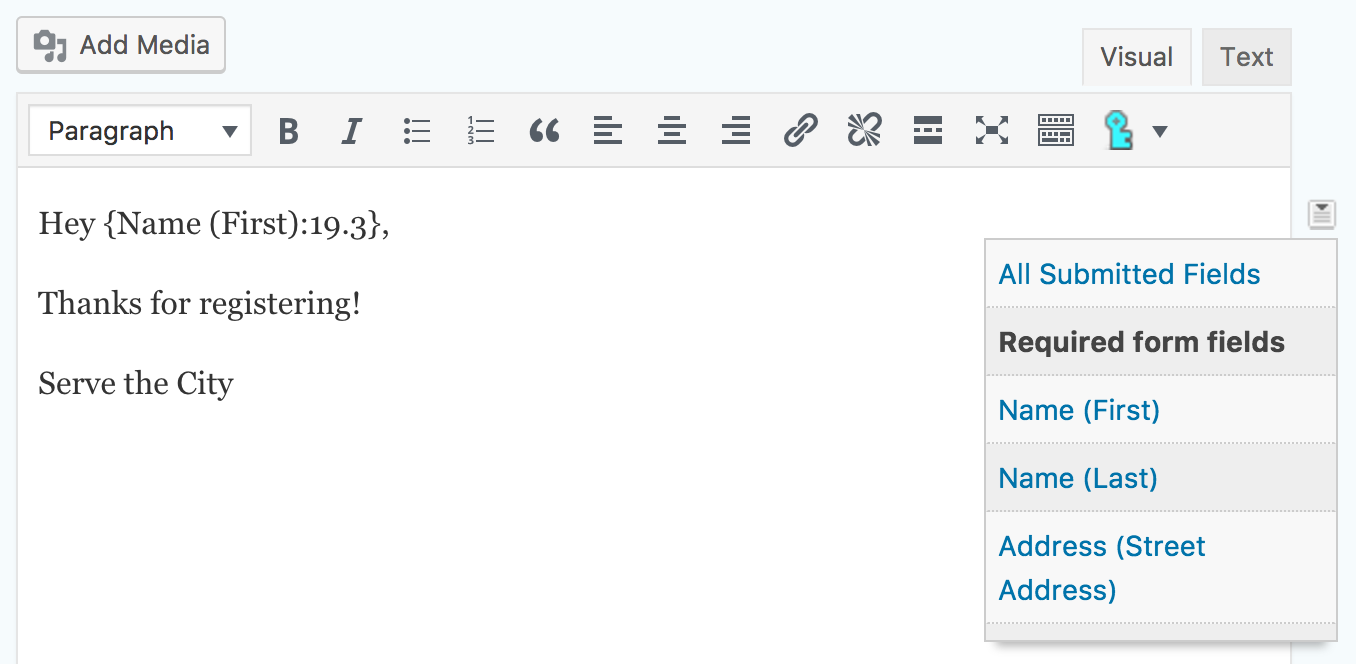
In some cases, you may need multiple confirmation messages, which would need to be displayed depending on what the person has filled in. For example, if you have a registration fee for an event, and offer payment via Paypal or Bank Transfer, you may want to have a confirmation that shows the bank information when the person select a payment via Bank Transfer, but which thanks the person for the payment if it has been done via Paypal (and therefore has already been paid by the time the person gets this message).
This can be done by adding conditional logic to the confirmation (conditional logic works the same way as in other places).

To have more information, please read Gravity Forms’ documentation.