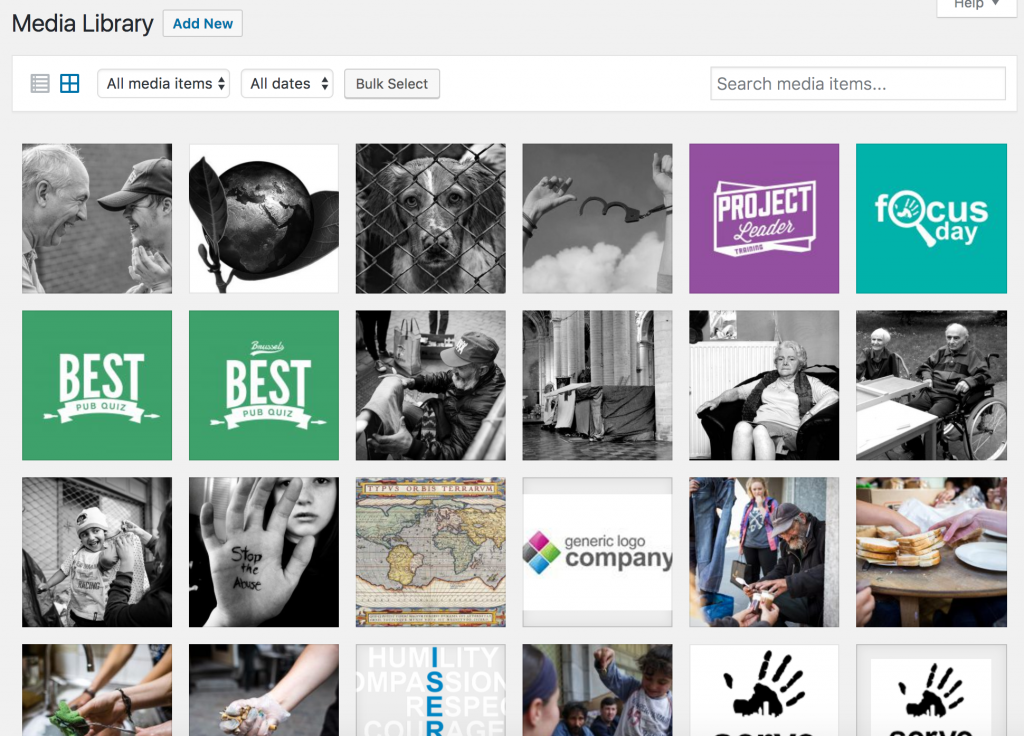
As you may have seen by now, when you edit a post, event, page, … you can add an image / video / file document to it. The Media page allows you to have an overview of all the files that have been uploaded to the website.
You can search for them, edit their title, etc. A good title will make it more easily searchable than a random file name (e.g. if you upload a picture that you took from your Facebook page, think of renaming the file beforehand, in a name that describes the content, like “free-hug.jpg” rather than “523t234523452423.jpg”. This way you will be able to search for it later if you want to insert it in another place.