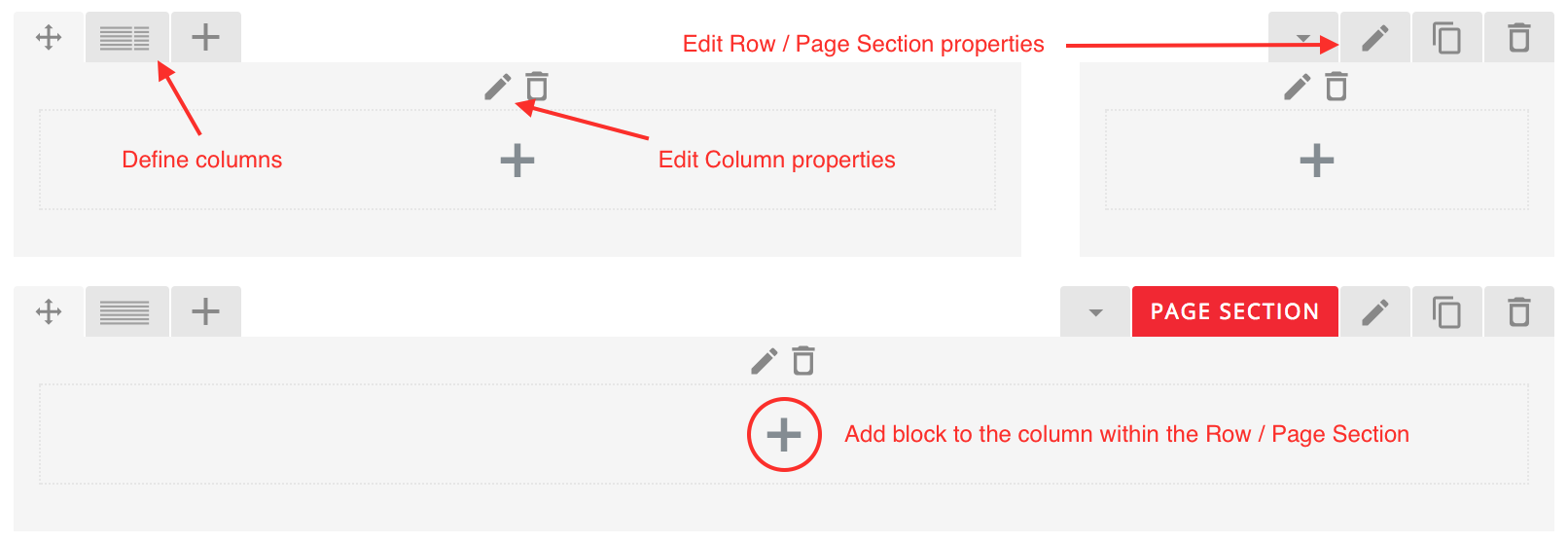
In Visual Composer, the content is organised in rows and columns.
To create rows, you can either use the Row or the Page Section block. The Page Section is basically an advanced Row, with more possibilities.
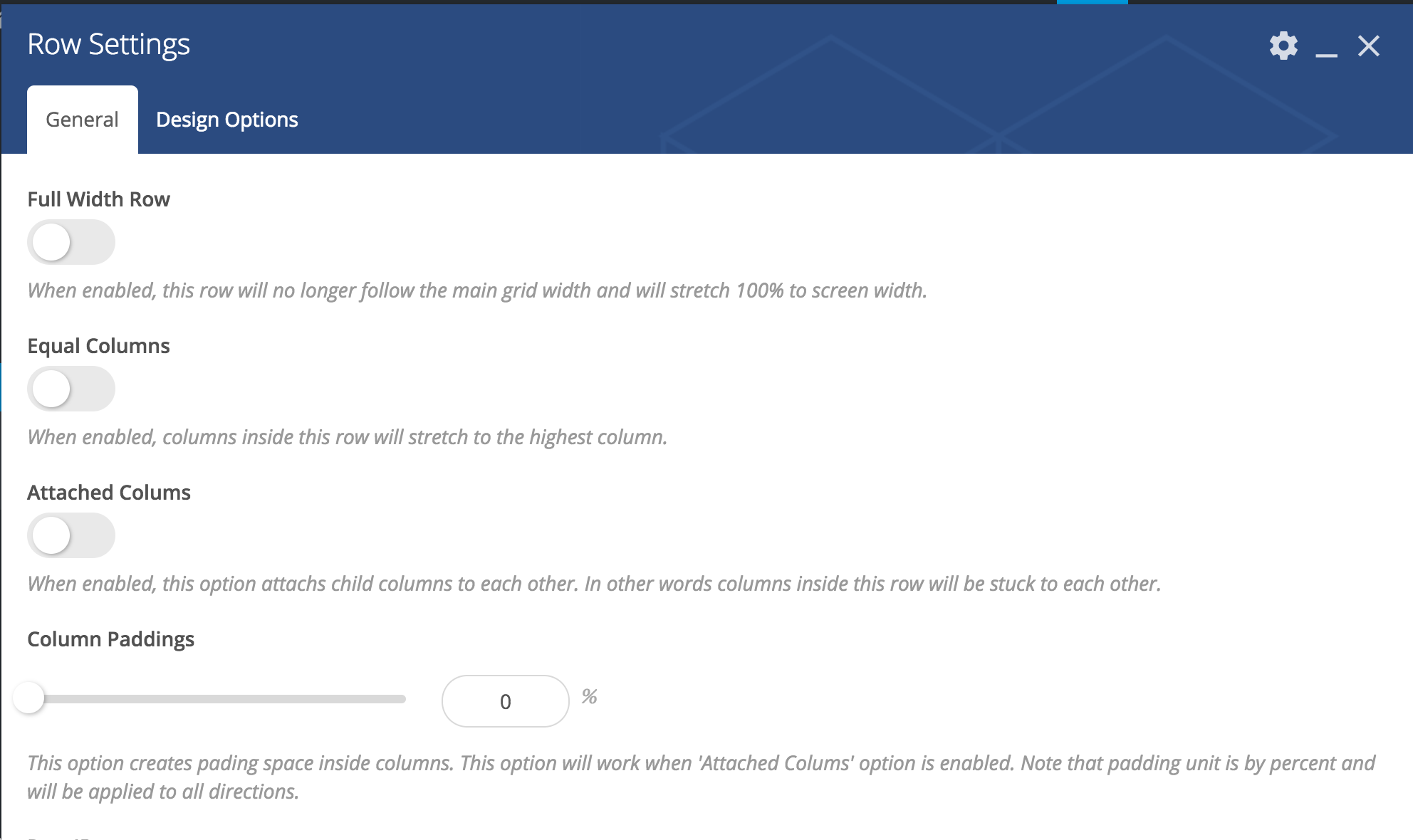
Row
Through the settings, you can decide if you want the row to be full width or not, if the content is full width or not, the background colour, etc…
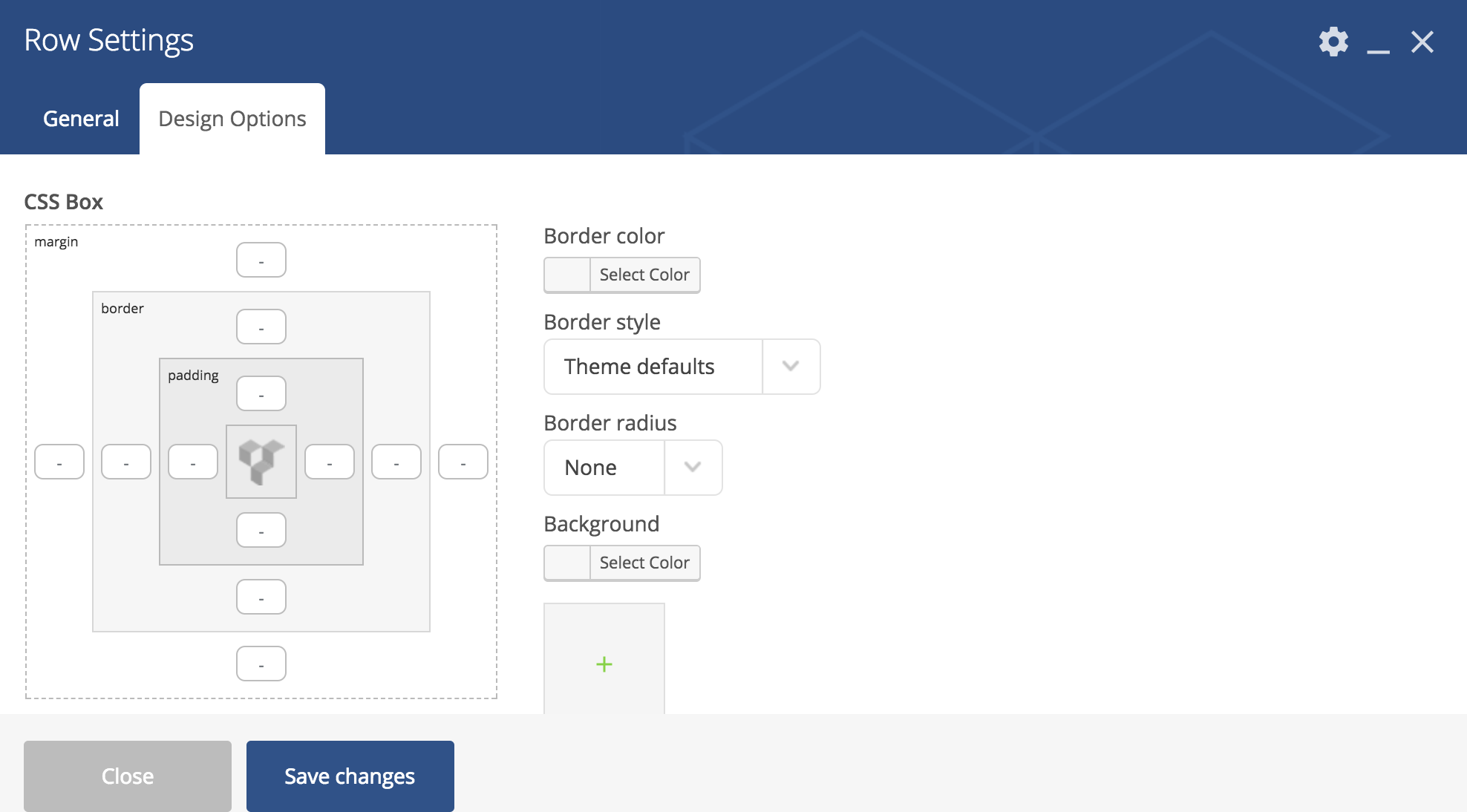
Page Section
Rows and Page Sections are quite similar except for Page Sections being more advanced.
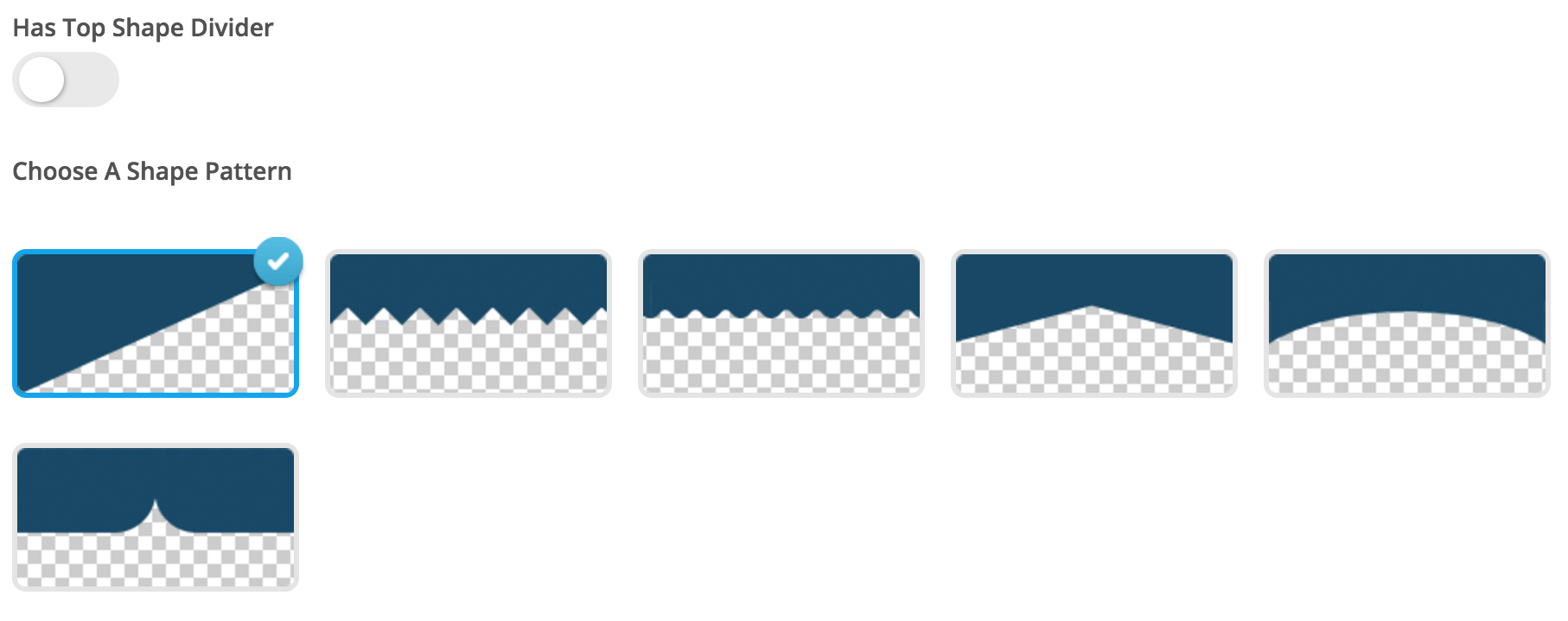
2 noticeable differences are the layout, and the shape divider.

Columns
You can create columns in a lot of different ways. By default, a few options are suggested, otherwise you can use a custom configuration.
Custom configurations are a bit tricky, so be sure to know what you are doing. the total always needs to be equal to 1, while each column must be a multiple of 1/12.
e.g.:
- 1/3 + 1/3 + 1/6 + 1/6 (4 columns, 2 of 33%, 2 of 17.5%)
- 1/4 + 1/2 + 1/4 (3 columns, the one in the middle being twice as wide as the others)
- …

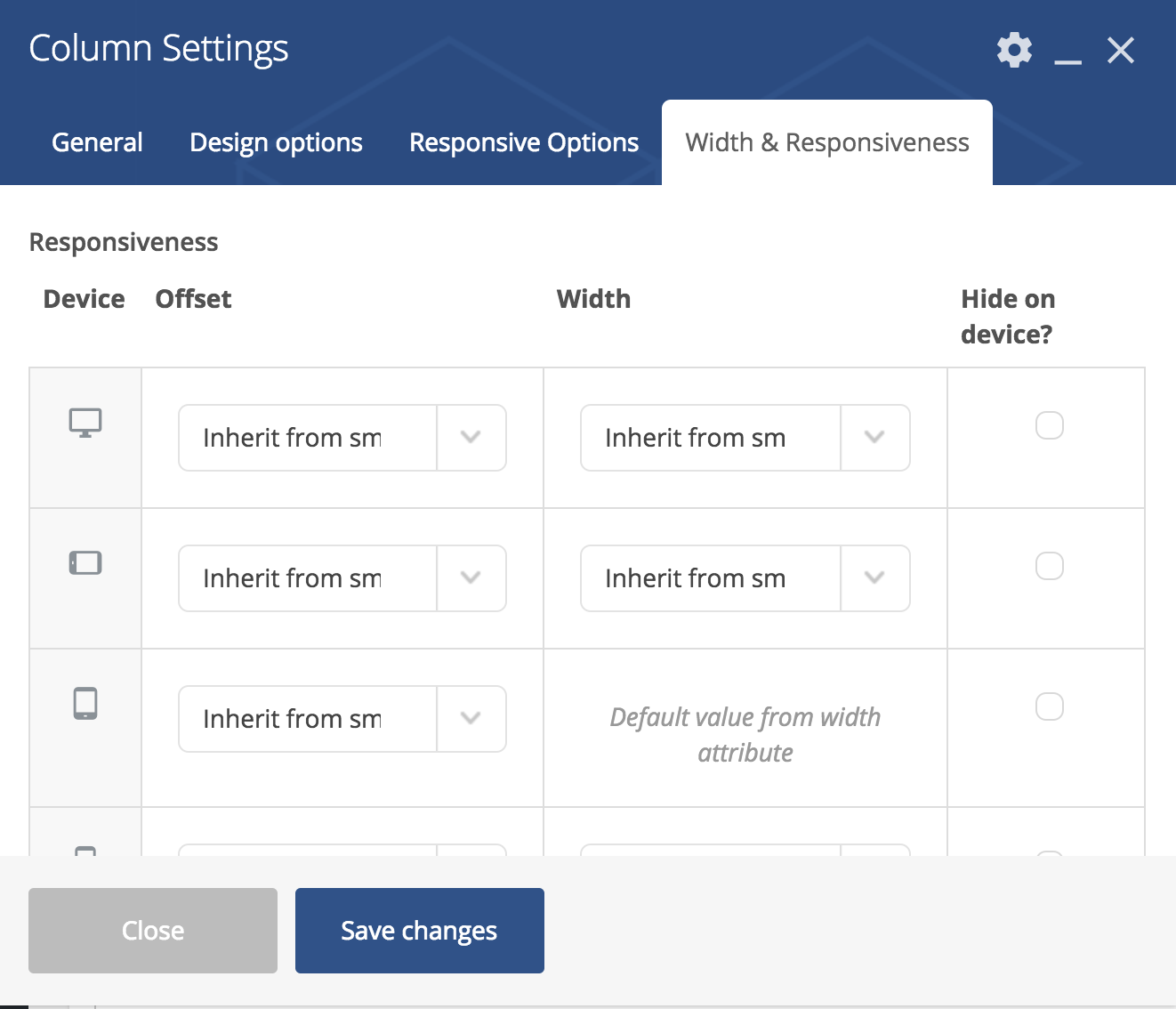
For each column, you can decide a few settings. Normally, you would not touch these, however in some cases you might want to get your hands dirty.