
Example: We give the possibility to sign up for the newsletter in either Dutch or English. So in Mailchimp we have two sign-up lists: a Dutch and English one. During sign-up we request to make a choice for NL or ENG. I am trying to set up the link to Mailchimp so the NL sign-ups end up in the Dutch Mailchimp list and the ENG sign-ups in the English mailing list. How am I able to configure this?
Solution: One easy way to address this is to add a field (dropdown, radio button or checkbox) with the 2 (or more) language options, so that people can select one (or more if you want people to be able to register to all the languages).
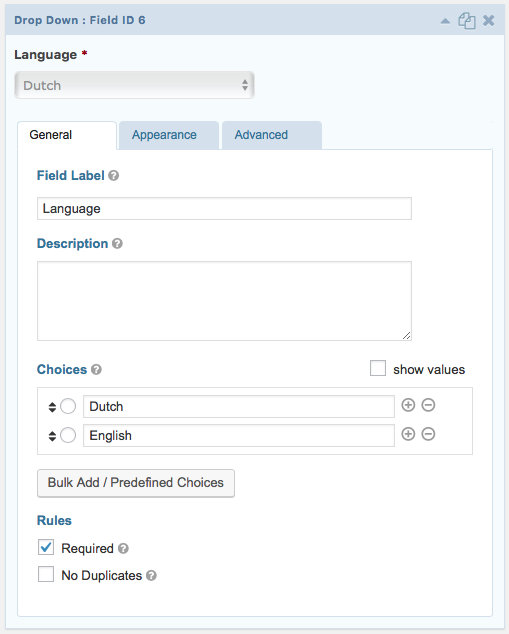
Save your form and go to the form’s Settings > Mailchimp page.
If you don’t have a mail chimp feed yet, you will need to create one (actually one per language). If you already have a feed, edit this one and create the one(s) missing afterwards.
Here’s how you will make your Mailchimp feed be attentive to the language:
 What changes from a normal, monolingual, newsletter is the last part: Conditional Logic. With this part, you will separate the entries according to their language.
Please note that the Double Opt-in checkbox is up to your preference, but is on by default as it is safer.
Attention: For Conditional Login to work in a multilingual context, the value of the field used to do the conditional logic should NOT be translated as it will therefore not work with the conditional logic.
