
Problem: My submenus in the language X are displaying next to each other while in the language Y, they are under each other. How can I have language X to display like language Y.

Language X
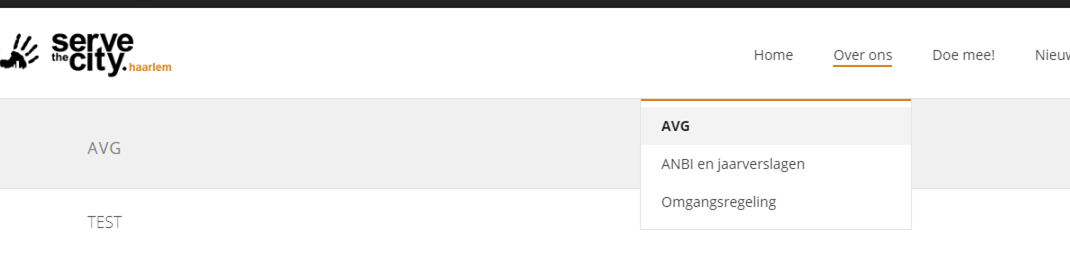
Language Y
Solution: Go to Appearance > Menus. Select the menu which gives you trouble. Hint, if you only see the menu in language Y, check the right top corner for Language X.
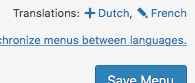
Once you are on the correct menu, check the “faulty” main page (in the example above, the page “Who We Are”).
In its options, uncheck the box “Make this a mega menu”.
 Save your navigation, the problem is now fixed.